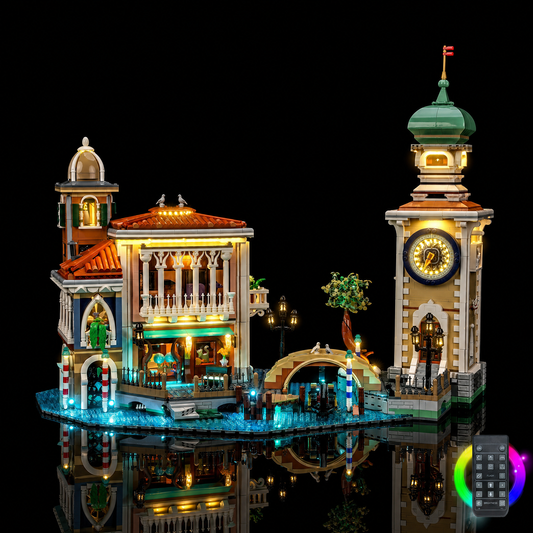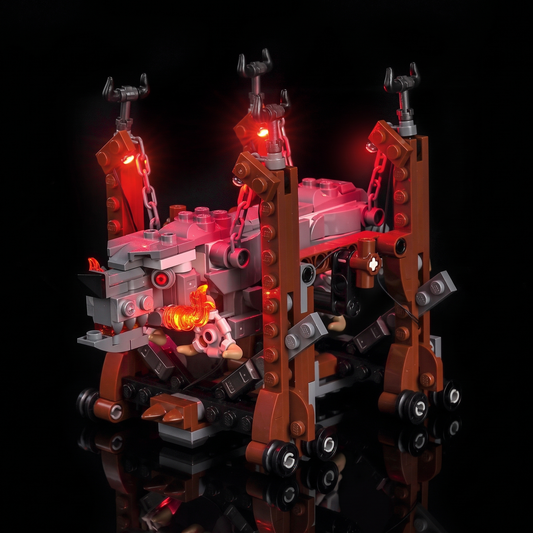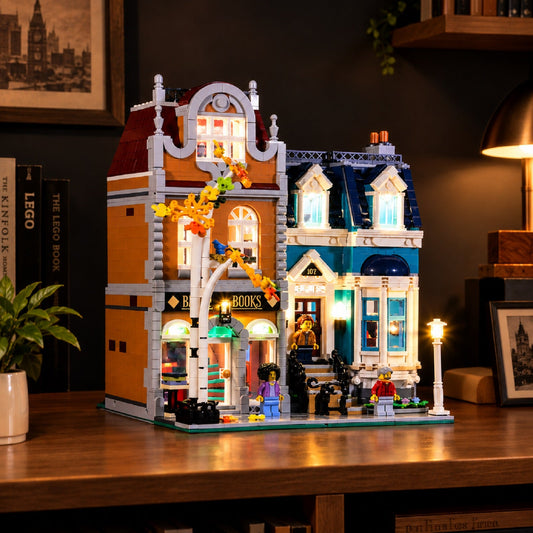
• LEGO® Icons SpongeBob SquarePants: Bikini Bottom #11386 the three houses lit together, with the USB-powered LED light kit
  • installed and glowing: Bright My Bricks LED lighting kit for LEGO® Icons SpongeBob SquarePants: Bikini Bottom #11386
  • Bright My Bricks LED light kit for LEGO® Icons SpongeBob SquarePants: Bikini Bottom #11386 — fully illuminated on display
  • Bright My Bricks LED light kit for LEGO® Icons SpongeBob SquarePants: Bikini Bottom #11386 — the jellyfish field in pink
  • light kit for LEGO® Icons SpongeBob SquarePants: Bikini Bottom #11386, light carried through the transparent sea tiles
  • LED lights for LEGO® Icons SpongeBob SquarePants: Bikini Bottom #11386, the crown of leaves lit from beneath
  • light kit for LEGO® Icons SpongeBob SquarePants: Bikini Bottom #11386, the pineapple house lit from inside
  • LEGO® Icons SpongeBob SquarePants: Bikini Bottom #11386 the moai windows glowing, with the USB-powered LED light kit
  • Squidward's portholes lit: Bright My Bricks LED lighting kit for LEGO® Icons SpongeBob SquarePants: Bikini Bottom #11386
  • LED lights for LEGO® Icons SpongeBob SquarePants: Bikini Bottom #11386, the scene lit in a dark room
  • Bright My Bricks LED light kit for LEGO® Icons SpongeBob SquarePants: Bikini Bottom #11386 — close-up of the LED detail
  • light kit for LEGO® Icons SpongeBob SquarePants: Bikini Bottom #11386, LED kit powered on
LEGO® Icons SpongeBob SquarePants: Bikini Bottom #11386 the three houses lit together, with the USB-powered LED light kit
installed and glowing: Bright My Bricks LED lighting kit for LEGO® Icons SpongeBob SquarePants: Bikini Bottom #11386
Bright My Bricks LED light kit for LEGO® Icons SpongeBob SquarePants: Bikini Bottom #11386 — fully illuminated on display
Bright My Bricks LED light kit for LEGO® Icons SpongeBob SquarePants: Bikini Bottom #11386 — the jellyfish field in pink
light kit for LEGO® Icons SpongeBob SquarePants: Bikini Bottom #11386, light carried through the transparent sea tiles
LED lights for LEGO® Icons SpongeBob SquarePants: Bikini Bottom #11386, the crown of leaves lit from beneath
light kit for LEGO® Icons SpongeBob SquarePants: Bikini Bottom #11386, the pineapple house lit from inside
LEGO® Icons SpongeBob SquarePants: Bikini Bottom #11386 the moai windows glowing, with the USB-powered LED light kit
Squidward's portholes lit: Bright My Bricks LED lighting kit for LEGO® Icons SpongeBob SquarePants: Bikini Bottom #11386
LED lights for LEGO® Icons SpongeBob SquarePants: Bikini Bottom #11386, the scene lit in a dark room
Bright My Bricks LED light kit for LEGO® Icons SpongeBob SquarePants: Bikini Bottom #11386 — close-up of the LED detail
light kit for LEGO® Icons SpongeBob SquarePants: Bikini Bottom #11386, LED kit powered on

Light Kit for LEGO® Icons SpongeBob SquarePants: Bikini Bottom #11386

LED Light Kit for #11386

Regular price $79.99
Regular price Sale price $79.99

In stock

Version
Quantity

Earn points with BMB Insider

Learn more

LED light kit only.
LEGO® set not included.

Free standard shipping from 90 USD after discounts

Delivery and returns

Your guide to lighting this set

Assembly instructions
Features

Your model in your collection: #11386

Choose a LEGO® SpongeBob SquarePants: Bikini Bottom light kit #11386 for the model you love seeing at home. A piece of Bikini Bottom finds a place on your shelf with its humour and familiar shapes. Before ordering, match #11386 to the model you own. Look at the shapes and details of your build from your usual viewing place. Your shelf tells a story through the models you choose to keep in view.

  • The model you enjoy revisiting — Light Kit for LEGO® Icons SpongeBob SquarePants: Bikini Bottom #11386

    The model you enjoy revisiting

    Your build finds another moment in your evenings. The pleasure of building continues in the way you display the model. A favourite build can become part of the time you spend relaxing at home. Your scene can find its place in your room.

  • A personal display: #11386 — Light Kit for LEGO® Icons SpongeBob SquarePants: Bikini Bottom #11386

    A personal display: #11386

    Your collection can connect places and characters through the scenes they recall. The model joins the objects you enjoy looking at. Keep a place for this build in your room. The display belongs in the room where you enjoy your collection.

  • The view you choose — Light Kit for LEGO® Icons SpongeBob SquarePants: Bikini Bottom #11386

    The view you choose

    Enjoy another look at the shapes and details of your build after the final brick. Compare the version information with your model before ordering. Compare this version’s photos with the display you picture at home.

  • For a fan #11386 — Light Kit for LEGO® Icons SpongeBob SquarePants: Bikini Bottom #11386

    For a fan #11386

    Choose a light kit for the build they already love. Your display can take shape around the model. Choose your lighting around the model you have built. Choose the display mood and the kit version together.

  • Plan the fit #11386 — Light Kit for LEGO® Icons SpongeBob SquarePants: Bikini Bottom #11386

    Plan the fit #11386

    Read the steps before deciding how to arrange your workspace. Prepare your workspace, then check the model’s position and route to power. Plan your workspace around the model. The BMB instructions page is a starting point for finding your guide.

  • Plan a place and connection: #11386 — Light Kit for LEGO® Icons SpongeBob SquarePants: Bikini Bottom #11386

    Plan a place and connection: #11386

    Look at the model from the place where you enjoy pausing in the evening. Plan the position of the model with the connection in mind. Let your usual viewpoint guide the display position. You gave this build a place in your home; now picture it as evening arrives.

Pick Your Version

Select the option that matches your display preferences and lighting needs.

Set it once. Leave it glowing.

For the build that's found its shelf and isn't moving again.

  • Battery Box – compact 3×AAA unit (batteries not included)
  • Full LED set, tuned to this model
  • Custom effects, pre-programmed for this build
  • Precision spotlights on the details worth staring at
  • PDF manual and video guide

Flick it on when you walk in. That's the whole ritual.

SpongeBob SquarePants: Bikini Bottom #11386: Another scene

Explore the LEGO® SpongeBob SquarePants: Bikini Bottom LED light kit #11386 and picture its place in your collection. The set number is your starting point when choosing a light kit. A scene to revisit from your usual viewing position.

The last brick was only the start of enjoying this model. Arrange the model with pieces you enjoy seeing alongside it. You know the shapes and details of your build from building the model.

Find your kit instructions before beginning the installation. Find #11386 on your model information before choosing the version. Plan connection access as you choose the display position.

Your LED light kit gives you another reason to pause by the model. Reserve a corner for the model in your room.

Explore Icons light kits and BMB kit instructions.

About

Bright My Bricks

Transform your finished build into a true display piece with a Bright My Bricks LED light kit. Designed specifically for this LEGO set, our kit delivers precise, warm illumination that highlights every detail. Note: you are purchasing the lighting kit only; the LEGO set itself is sold separately

Instructions

Every kit ships with a printed quick-start card, a full PDF manual and a step-by-step video. Here is the shape of the job before you open the bag.

  1. Unpack and check

    Step 1: Unpack and check

    Build the LEGO® set first — lighting a half-finished model means taking it apart again. Lay every component out against the parts list before you start: a missing piece found now costs five minutes, found mid-install it costs the session.

  2. Position your LED lights

    Step 2: Position your LED lights

    Each LED goes in a spot the guide names. Thread the wire between bricks as you go rather than at the end — routing is the one step worth taking slowly, and it is what separates a kit you notice from one you do not.

  3. Wire your power system

    Step 3: Wire your power system

    Seat each cable in its module. Present the connector square and push gently; if it resists, back off and realign rather than forcing it. A forced connector is the one thing that bends a pin.

  4. Power up and check

    Step 4: Power up and check

    Test everything before you close it up. Confirm each LED lights, then hide any wire that shows. A dead connection found now is trivial; found once the set is sealed, it is not.

  5. Perfect your display

    Step 5: Perfect your display

    Tuck the last of the wire out of sight and put the set where it belongs. Installed as directed, the build looks untouched — until you switch it on.

The last step isn't in this guide. It's the evening you finish, turn the room lights off, and watch something you spent weeks on hold its own glow. That is the moment the kit was built for.

Customer Reviews

FAQs

Do I need any special skills or tools?

No. If you can build the set, you can light it. Everything is plug-and-play — no soldering, no wiring knowledge, no tools beyond your hands. The manual walks each step with photos.

Do I have to take my set apart?

Rarely more than partially. You'll lift a few plates and open a few sections to route wire and seat LEDs. The guide tells you exactly which ones, zone by zone, so you're never guessing.

How is the kit powered?

Two options, both included in the design: a battery module (3×AAA, batteries not supplied) for sets you move around, or USB into any power bank, wall adapter or computer for a display that stays lit.

Will the wires show?

Not once installed as directed. The wire is flat ribbon, thin enough to run under a plate or between studs without breaking clutch. Routing is the one part of installation worth taking slowly — done properly, the set looks untouched.

Is it safe for my bricks?

Yes. The whole system runs at 5V with micro-LEDs that don't heat up, so there's nothing to warp, melt or discolour. Components are tested against international safety standards, and nothing in the kit modifies or marks a brick — the installation is fully reversible.

What if a part is missing or faulty?

Use our Faulty Component Request page and we'll send a replacement. Two-year cover, in line with EU consumer law.

Lit by AFOLs

Share your photos on Instagram and tag @brightmybricks in the caption for a chance to be featured on our website.

@brightmybricks

Find the kit for my set
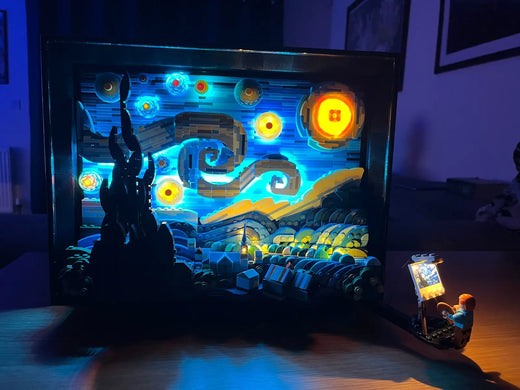
LEGO Vincent van Gogh The Starry Night 21333 illuminated with a Bright My Bricks LED kit
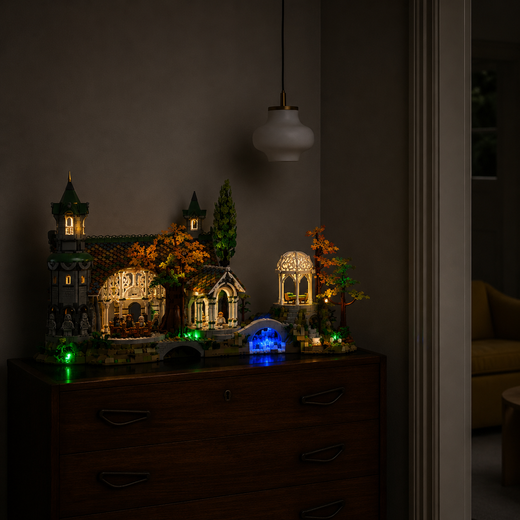
LEGO The Lord of the Rings Rivendell 10316 lit by a Bright My Bricks LED kit
LEGO Icons Shopping Street 11371 with lit shop windows
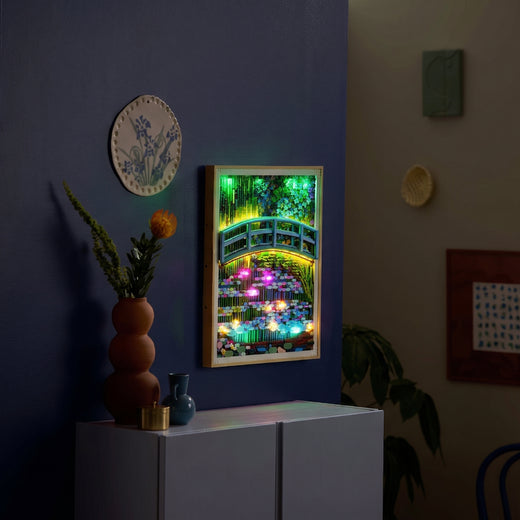
LEGO Art Claude Monet Water Lilies 31220 backlit by an LED light kit
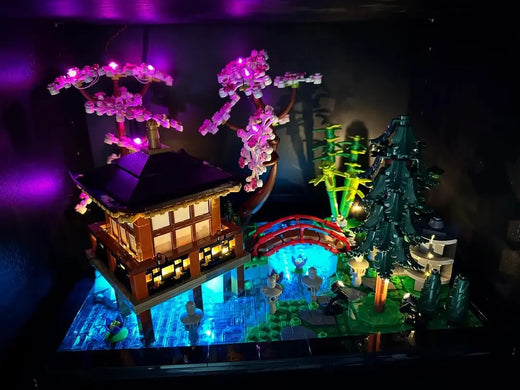
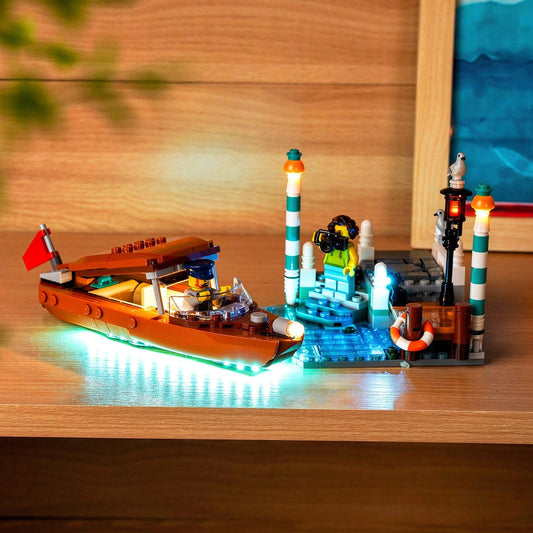
A LEGO build lit by a Bright My Bricks LED kit
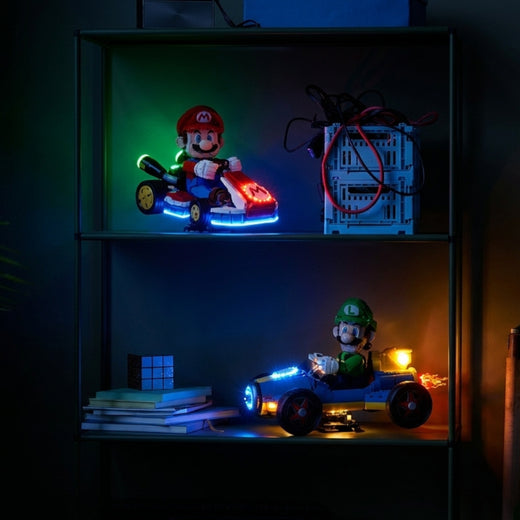
LEGO Super Mario Mario Kart 72037 and Luigi Mach 8 72050 lit by LED kits
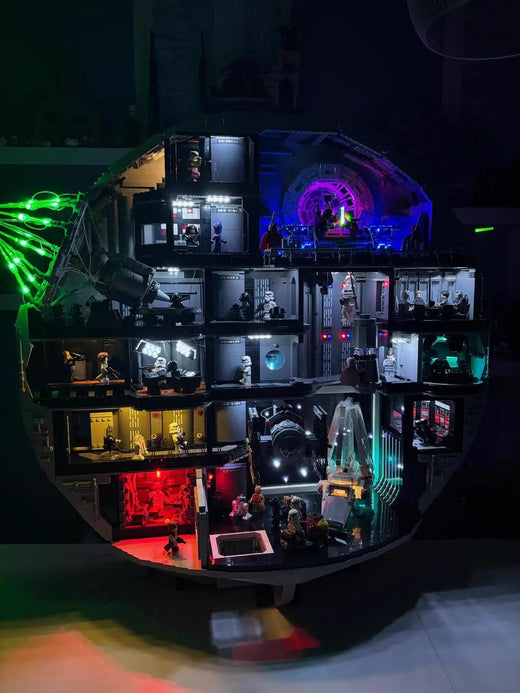
LEGO Star Wars Death Star 75419 with a Bright My Bricks multi-colour LED lighting kit
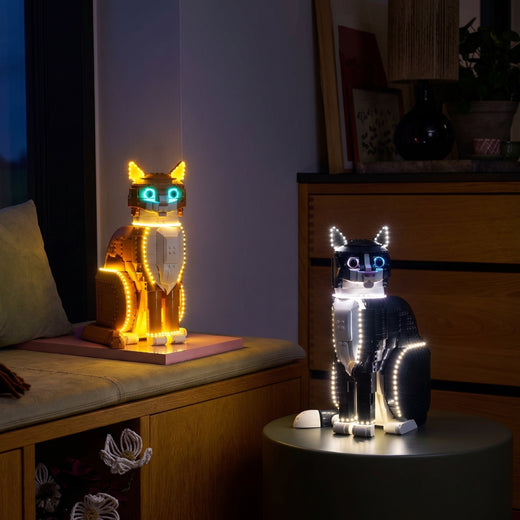
LEGO Ideas Tuxedo Cat 21349 and Orange Cat 21376 lit by Bright My Bricks LED kits

Complete Your Collection

View All