• LED light kit for LEGO® The LEGO NINJAGO City #70620 | Bright My Bricks
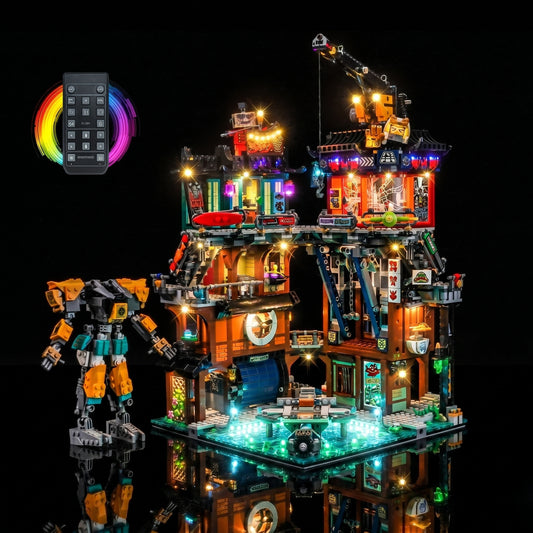
  • showcase lighting view: Bright My Bricks DIY LED light kit for LEGO® The LEGO NINJAGO City #70620
  • LEGO® The LEGO NINJAGO City #70620 front view fully lit, with the USB-powered LED light kit
  • LEGO® The LEGO NINJAGO City #70620 display lighting in a dark room, with the display light kit
  • lighting effect on the build: Bright My Bricks USB-powered LED light kit for LEGO® The LEGO NINJAGO City #70620
  • Bright My Bricks RGB LED light kit for LEGO® The LEGO NINJAGO City #70620 — before-and-after lighting
LED light kit for LEGO® The LEGO NINJAGO City #70620 | Bright My Bricks
showcase lighting view: Bright My Bricks DIY LED light kit for LEGO® The LEGO NINJAGO City #70620
LEGO® The LEGO NINJAGO City #70620 front view fully lit, with the USB-powered LED light kit
LEGO® The LEGO NINJAGO City #70620 display lighting in a dark room, with the display light kit
lighting effect on the build: Bright My Bricks USB-powered LED light kit for LEGO® The LEGO NINJAGO City #70620
Bright My Bricks RGB LED light kit for LEGO® The LEGO NINJAGO City #70620 — before-and-after lighting

Light Kit for LEGO® The LEGO® NINJAGO® City #70620

LED Light Kit #70620

Regular price 99,99 €
Regular price Sale price 99,99 €

In stock

Quantity
Description

Every kit is built around three things we won't compromise on.

Housing that disappears into the build. Our LED casings and modules clip onto standard studs like any other piece — no adhesive, no brackets, nothing that reads as an add-on once the set is back together.

Wiring you route once and forget. Flat ribbon wire, thin enough to sit under a plate or turn a corner without lifting a brick. Connectors are non-polarised, so there's no wrong way round and no squinting at tiny arrows mid-install.

Light tuned to the set, not to a catalogue. Each kit gets its own brightness balance and effects — flicker for a forge, a slow fade for a cockpit — decided set by set rather than applied from a default.

Delivery & Returns

Fast dispatch. Orders placed before 12 PM (CEST / GMT+2) are dispatched the same day*. All other orders are dispatched the next business day.

Tiered shipping rates. Costs are calculated based on your order value. See our shipping page for full details.

Simple returns. Need to make a return? Visit our returns request page to begin.

*Same-day dispatch is not guaranteed during high-volume sale events.

Shipping & returns policy

Warranty & Disclaimers

Product disclaimer. This listing is for a Bright My Bricks™ LED lighting kit. The LEGO® set shown in our photos and videos is sold separately and is not included. Bright My Bricks is an independent brand with no affiliation to, sponsorship from, or endorsement by the LEGO Group. LEGO® is a trademark of the LEGO Group.

Safety notice. Contains small parts and batteries. Not for children under 3, in line with EN 71-1. Adult supervision required for younger builders during installation and use.

Installation guidelines. Present the connector square to the port and push gently until it seats. If it resists, back off and realign rather than forcing it — forcing a misaligned connector is the one thing that can bend a pin. Handle modules by the housing rather than the wire.

2-year warranty coverage. Every kit is covered for two years, in line with EU consumer law. If a component arrives faulty or fails in normal use, use our Faulty Component Request page and we'll send a replacement.

Contact support

Instructions

Digital manuals and video instructions for this light kit are available on our instructions page.

The guide walks through each component and its function, and shares the practices that get the most out of your build.

If any part is missing or damaged, contact us — we're here to help.

Assembly instructions

Features

Light Kit for LEGO® Ninjago City #70620: The Original Cyberpunk Masterpiece

Step into the vibrant, vertical world of the original NINJAGO® City with the Bright My Bricks Light Kit. This comprehensive kit is designed to illuminate every incredible detail across all three sprawling levels of this legendary set, a build that set the standard for later additions like the sprawling 71799 NINJAGO City Markets.

  • Level 1: The Old World — Light Kit for LEGO® The LEGO® NINJAGO® City #70620

    Level 1: The Old World

    Warm, atmospheric lights bring the traditional fish market and the flowing stream of the Old World to life. Flickering lanterns and lit-up waterways create a rustic, bustling feel, a world away from the rustic longhouses of the Viking Village.

  • Level 2: The Street — Light Kit for LEGO® The LEGO® NINJAGO® City #70620

    Level 2: The Street

    Bright, vibrant lights illuminate the modern fashion store, the comic book shop, the crab restaurant with its working grill, and the ATM. This level is the commercial heart of the city, as busy as the central plaza of the 10255 Assembly Square.

  • Level 3: The High-Rise — Light Kit for LEGO® The LEGO® NINJAGO® City #70620

    Level 3: The High-Rise

    Cool, futuristic lights for Lloyd Garmadon's apartment and the rooftop sushi restaurant give The High-Rise its cyberpunk aesthetic. The glowing signs and sleek interiors look like they belong in our collection of futuristic LEGO spaceships.

  • Countless Hidden Details — Light Kit for LEGO® The LEGO® NINJAGO® City #70620

    Countless Hidden Details

    This kit is packed with lights to reveal every secret, from the cherry blossom tree and the pufferfish decorations to the movie posters and the glowing cash-dispensing ATM.

  • Working Elevator — Light Kit for LEGO® The LEGO® NINJAGO® City #70620

    Working Elevator

    The lighting is designed to integrate seamlessly with the set's working elevator, ensuring this key functional element is beautifully lit as it travels between the city's incredible levels.

  • A Symphony of Light — Light Kit for LEGO® The LEGO® NINJAGO® City #70620

    A Symphony of Light

    With dozens of individual lights in a variety of colors, the fully illuminated model becomes a stunning, museum-quality display piece that showcases one of the greatest LEGO sets ever designed.

Pick Your Version

Select the option that matches your display preferences and lighting needs.

Set it once. Leave it glowing.

For the build that's found its shelf and isn't moving again.

  • Battery Box – compact 3×AAA unit (batteries not included)
  • Full LED set, tuned to this model
  • Custom effects, pre-programmed for this build
  • Precision spotlights on the details worth staring at
  • PDF manual and video guide

Flick it on when you walk in. That's the whole ritual.

How do you light LEGO® The LEGO® NINJAGO® City #70620 without visible wires?

A set-specific LED light kit for LEGO® The LEGO® NINJAGO® City #70620 looks cleanest when cable routing is planned before the first LED is placed. Work section by section, keep slack near removable areas and judge the result from normal shelf distance.

The kit is the lifeblood of a metropolis. The blend of warm traditional lights, bright commercial neons, and cool futuristic glows tells the story of a city that has grown and evolved over time. It’s the definitive way to display a set that is widely considered a masterpiece of LEGO design, packed with an unparalleled level of detail and charm.

A set like NINJAGO City deserves a lighting solution. To see why our design philosophy and component quality are the top choice for serious collectors, read our article onhow Bright My Bricks compares to other LEGO light kit brands.

For neighbouring builds, browse the LEGO Ninjago Light Kits.

About

Bright My Bricks

Transform your finished build into a true display piece with a Bright My Bricks LED light kit. Designed specifically for this LEGO set, our kit delivers precise, warm illumination that highlights every detail. Note: you are purchasing the lighting kit only; the LEGO set itself is sold separately

Instructions

Every kit ships with a printed quick-start card, a full PDF manual and a step-by-step video. Here is the shape of the job before you open the bag.

  1. Unpack and check

    Step 1: Unpack and check

    Build the LEGO® set first — lighting a half-finished model means taking it apart again. Lay every component out against the parts list before you start: a missing piece found now costs five minutes, found mid-install it costs the session.

  2. Position your LED lights

    Step 2: Position your LED lights

    Each LED goes in a spot the guide names. Thread the wire between bricks as you go rather than at the end — routing is the one step worth taking slowly, and it is what separates a kit you notice from one you do not.

  3. Wire your power system

    Step 3: Wire your power system

    Seat each cable in its module. Present the connector square and push gently; if it resists, back off and realign rather than forcing it. A forced connector is the one thing that bends a pin.

  4. Power up and check

    Step 4: Power up and check

    Test everything before you close it up. Confirm each LED lights, then hide any wire that shows. A dead connection found now is trivial; found once the set is sealed, it is not.

  5. Perfect your display

    Step 5: Perfect your display

    Tuck the last of the wire out of sight and put the set where it belongs. Installed as directed, the build looks untouched — until you switch it on.

The last step isn't in this guide. It's the evening you finish, turn the room lights off, and watch something you spent weeks on hold its own glow. That is the moment the kit was built for.

Customer Reviews

FAQs

Do I need any special skills or tools?

No. If you can build the set, you can light it. Everything is plug-and-play — no soldering, no wiring knowledge, no tools beyond your hands. The manual walks each step with photos.

Do I have to take my set apart?

Rarely more than partially. You'll lift a few plates and open a few sections to route wire and seat LEDs. The guide tells you exactly which ones, zone by zone, so you're never guessing.

How is the kit powered?

Two options, both included in the design: a battery module (3×AAA, batteries not supplied) for sets you move around, or USB into any power bank, wall adapter or computer for a display that stays lit.

Will the wires show?

Not once installed as directed. The wire is flat ribbon, thin enough to run under a plate or between studs without breaking clutch. Routing is the one part of installation worth taking slowly — done properly, the set looks untouched.

Is it safe for my bricks?

Yes. The whole system runs at 5V with micro-LEDs that don't heat up, so there's nothing to warp, melt or discolour. Components are tested against international safety standards, and nothing in the kit modifies or marks a brick — the installation is fully reversible.

What if a part is missing or faulty?

Use our Faulty Component Request page and we'll send a replacement. Two-year cover, in line with EU consumer law.

Lit by AFOLs

Share your photos on Instagram and tag @brightmybricks in the caption for a chance to be featured on our website.

@brightmybricks

Find the kit for my set
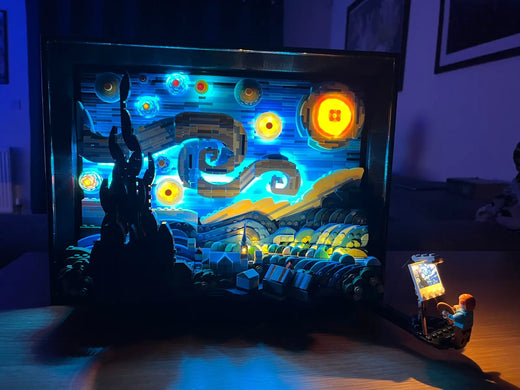
LEGO Vincent van Gogh The Starry Night 21333 illuminated with a Bright My Bricks LED kit
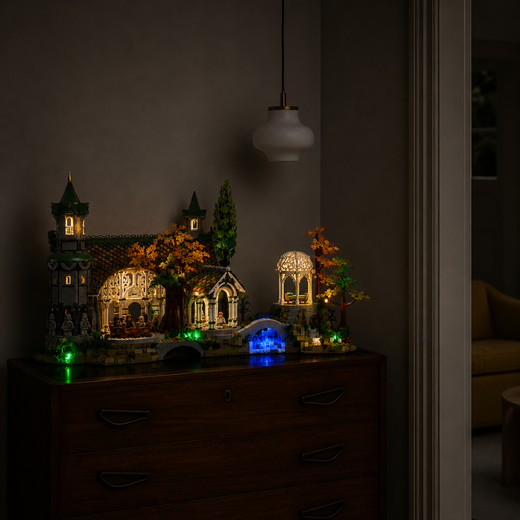
LEGO The Lord of the Rings Rivendell 10316 lit by a Bright My Bricks LED kit
LEGO Icons Shopping Street 11371 with lit shop windows
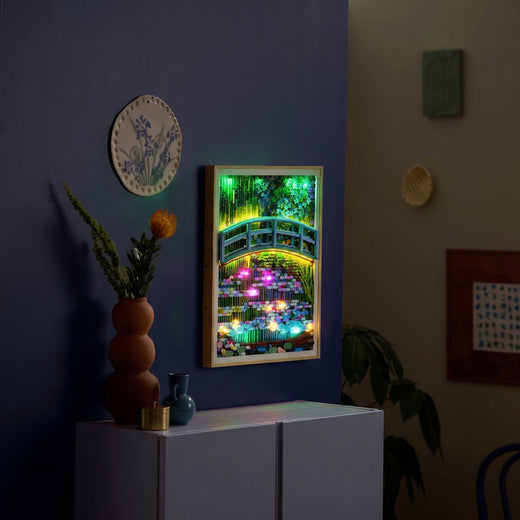
LEGO Art Claude Monet Water Lilies 31220 backlit by an LED light kit
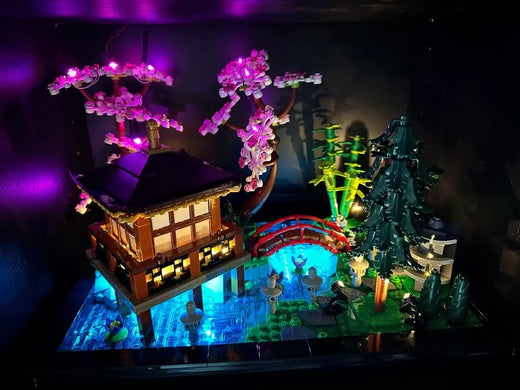
A LEGO build lit by a Bright My Bricks LED kit
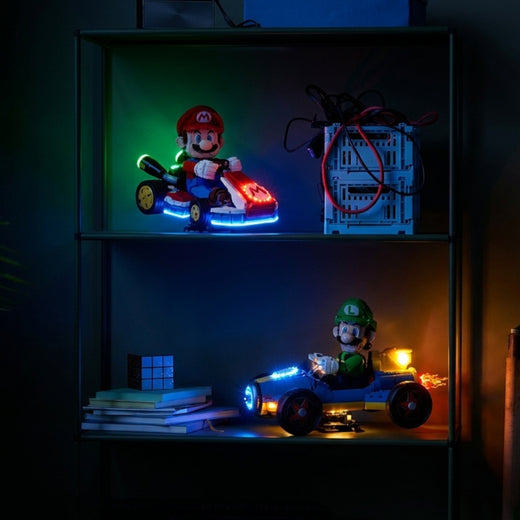
LEGO Super Mario Mario Kart 72037 and Luigi Mach 8 72050 lit by LED kits
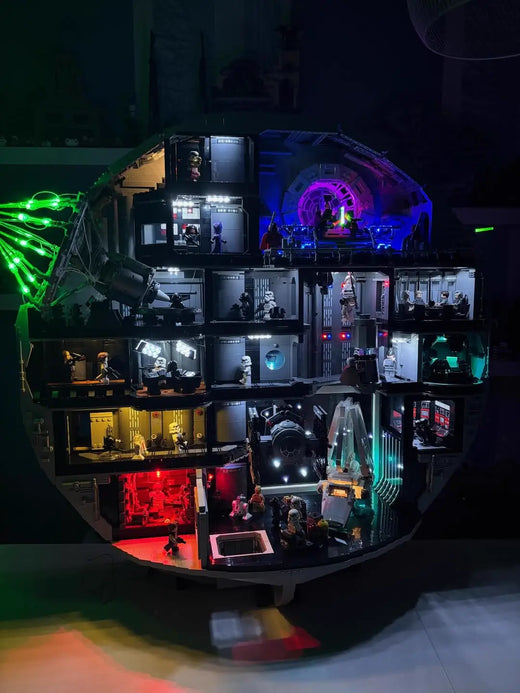
LEGO Star Wars Death Star 75419 with a Bright My Bricks multi-colour LED lighting kit
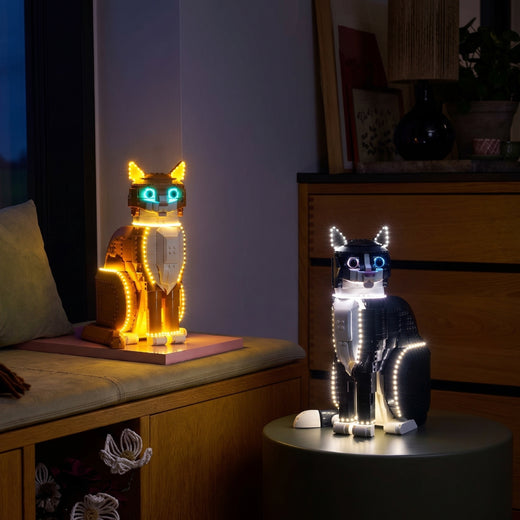
LEGO Ideas Tuxedo Cat 21349 and Orange Cat 21376 lit by Bright My Bricks LED kits

Complete Your Collection

View All