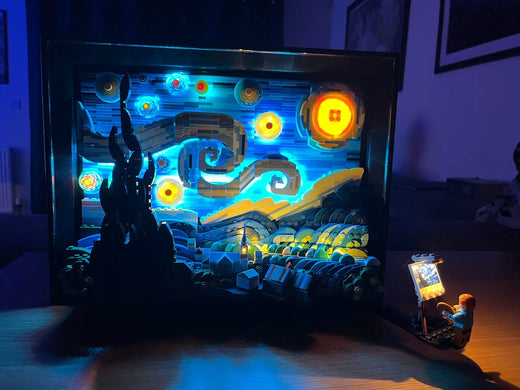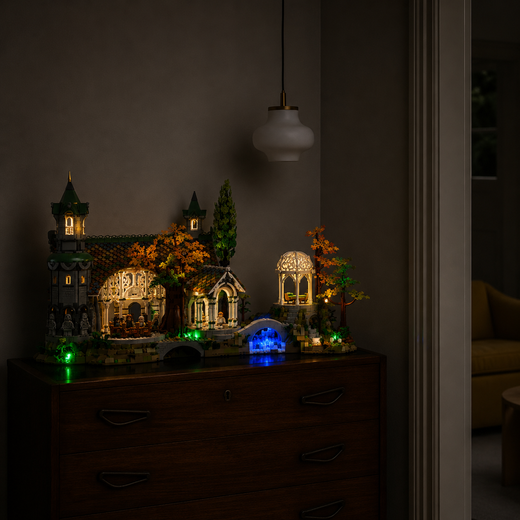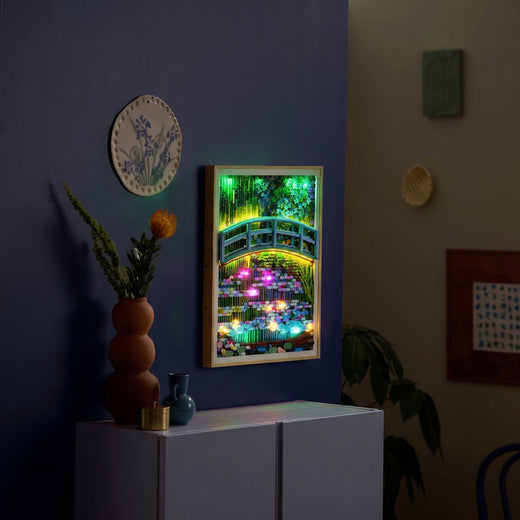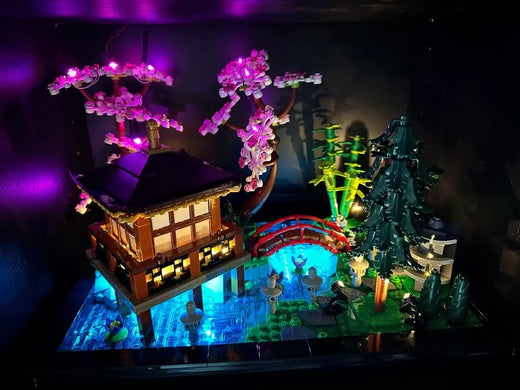
LEGO modular building light kits can turn separate models into one coherent AFOL city. The most convincing streets are not uniformly bright. They mix warm homes, active shops, darker upper floors and a few exterior lights that guide the eye along the pavement.

Plan one power route for the street
Before installing individual kits, decide where cables and hubs will sit. A shared route behind or beneath the buildings keeps the display clean and makes it easier to remove one modular without disturbing the whole city. Label connections if several buildings use the same power area.
Light rooms, not entire façades
Interior light creates depth when it appears to come from distinct rooms. Vary the intensity and leave selected spaces dark. Exterior lamps can connect the buildings visually, but they should not overpower windows or signage.

Keep every floor removable
Modular buildings are designed to open. Leave enough wire slack and place connectors where floors can still be separated for cleaning, minifigure changes or maintenance. Test each floor before stacking the building again.
Build the city one module at a time
Start with the building that forms your main focal point, then balance the neighbouring sets around it. The Natural History Museum 10326 light kit suits a large centrepiece, while the Police Station 10278 light kit adds strong street-level detail.
AFOL verdict
A well-lit modular city feels connected because each building contributes a different rhythm. Plan the power system first, preserve removable floors and use contrast to keep the street believable.