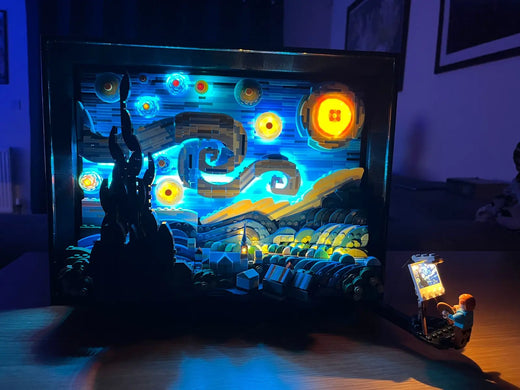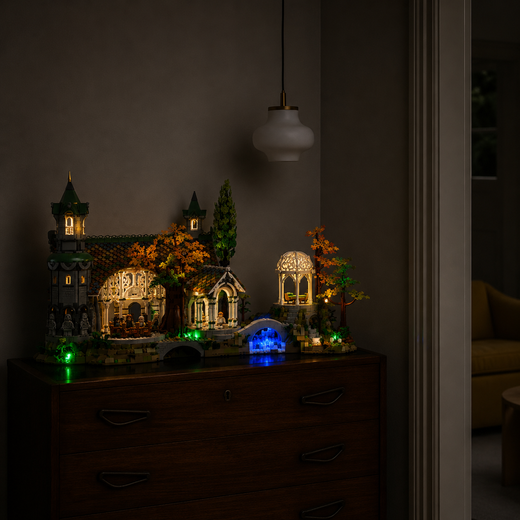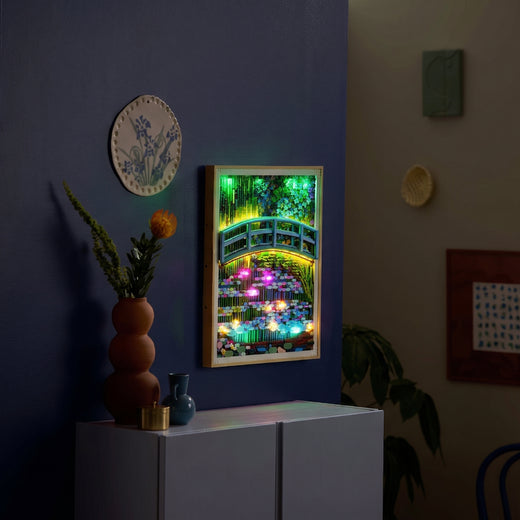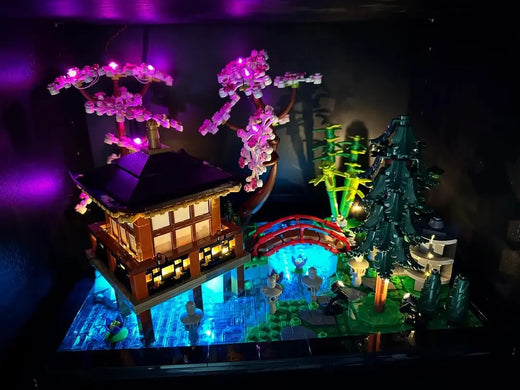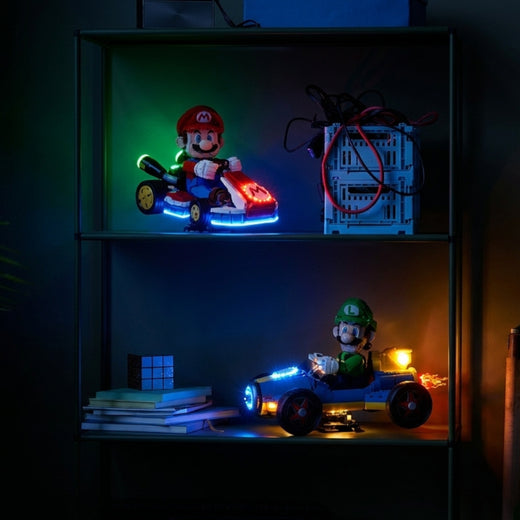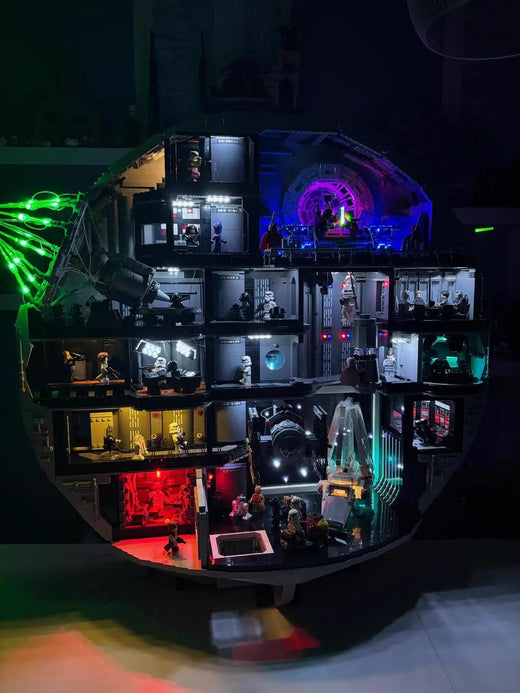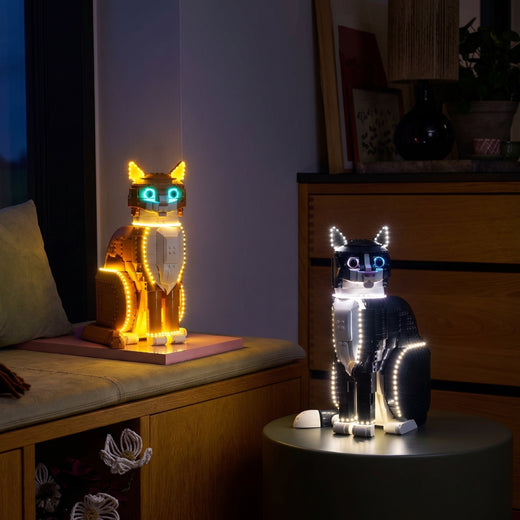
You spent evenings building this set. You know the detail behind a door, the ship’s deck or the room that is barely visible on the shelf. Adding lights is still another purchase to consider. A LEGO light kit is most worthwhile when you plan to display your model, switch it on regularly and take the time to install it. Here is how to decide whether the result will make you want to look at it more often.
What changes when the lights come on?
On Captain Jack Sparrow’s Pirate Ship 10365, lanterns pick out the deck and turquoise light highlights the stand. The sails remain dark, drawing your eye between the silhouette and the lit details. That contrast may be enough to bring back the atmosphere that made you want to build the ship.
Before choosing, look at the photo of the Jack Sparrow 10365 light kit from your usual viewing distance. The details you will actually be able to see at home are the ones that matter.

Does the result justify the cost?
The price of the LEGO set does not answer that question. Even on a large model, a light kit will offer little enjoyment if you never switch it on. A build you admire every evening, on the other hand, could be your best place to start.
Compare the cost of your chosen version, any power supply you may need and the delivery charges shown before ordering. Then ask yourself one simple question: which details would I like to see better? For a closer look at components, cable routing and instructions, read our guide to choosing a LEGO light kit.
Is installation part of the enjoyment?
For some collectors, returning to a finished build is a welcome reason to clear the building table again. Others need more enthusiasm for lifting a roof or routing small wires. Both reactions are reasonable.
Check the kit’s instructions before you begin. Depending on the model and the intended route, some sections may need to be opened. Clear a workspace, keep removed pieces together and work without forcing connectors or bricks. The time needed depends on the kit, the set and your confidence: give yourself a quiet session instead of a deadline.
Think about later, too. Keep the power connection accessible and allow for moving or dusting the model without pulling on the wires.


Choose a set you will want to switch on
Start with a build connected to a memory, a film or a place you love. LEGO Home Alone 21330 is a good example: glowing windows, a bright entrance and colourful decorations suggest a familiar scene.
The kit can then become part of a small routine: looking at the house as you pass, showing it to someone or switching it on during a holiday evening. Choose that display position before buying. An appealing photo cannot replace an available space and a power connection you will actually use.

When is it better to wait?
You can like the result and still leave the project for later. Consider waiting if:
- your set is about to go back into its box;
- you often dismantle builds and do not want to manage cables;
- you have not decided where to display the model;
- the kit exceeds the budget you want to spend on this project.
One well-chosen set is enough to try the experience. You do not need to light your whole collection.
Questions before you start
Can you add a light kit to an already-built LEGO set?
Check the method specified for that particular kit. A finished model may need some sections opened to fit the LEDs and route the wires. Follow the instructions for its exact set number.
Does a LEGO light kit include the LEGO set?
No. Bright My Bricks light kits are sold separately from the LEGO builds. Check the set number to choose a compatible kit.
Is a light kit useful in an already bright room?
It depends on what you want to see. Room lighting makes the model visible, but some windows or interior areas can remain in shadow. Look at the kit photos and consider the ambient lighting you prefer to keep on.
So, is it worth it?
Yes, if you already know which set you would like to see lit up tonight. The useful measure is how much you will enjoy looking at it once you have considered the budget, installation and display position. Start with that build: the one you want to keep close by.